
Garage Opener Repair: How to Test and Replace Batteries
- COMMERCIAL GARAGE DOOR REPAIR
- GARAGE DOOR OPENER INSTALLATION
- GARAGE DOOR SPRING REPAIR
- SAME-DAY GARAGE DOOR REPAIR
- CUSTOM GARAGE DOOR
- GARAGE DOOR OPENER REPAIR
- GARAGE DOOR TRACK REPAIR
- GARAGE DOOR CABLE REPAIR
- GARAGE DOOR PANEL REPAIR
- LOCAL GARAGE DOOR REPAIR
- GARAGE DOOR REPLACEMENT
- NOISY GARAGE DOOR FIX
- GATE REPAIR
- GARAGE DOOR INSTALLATION
- GARAGE DOOR SECTION REPLACEMENT
- OVERHEAD GARAGE DOOR REPAIR
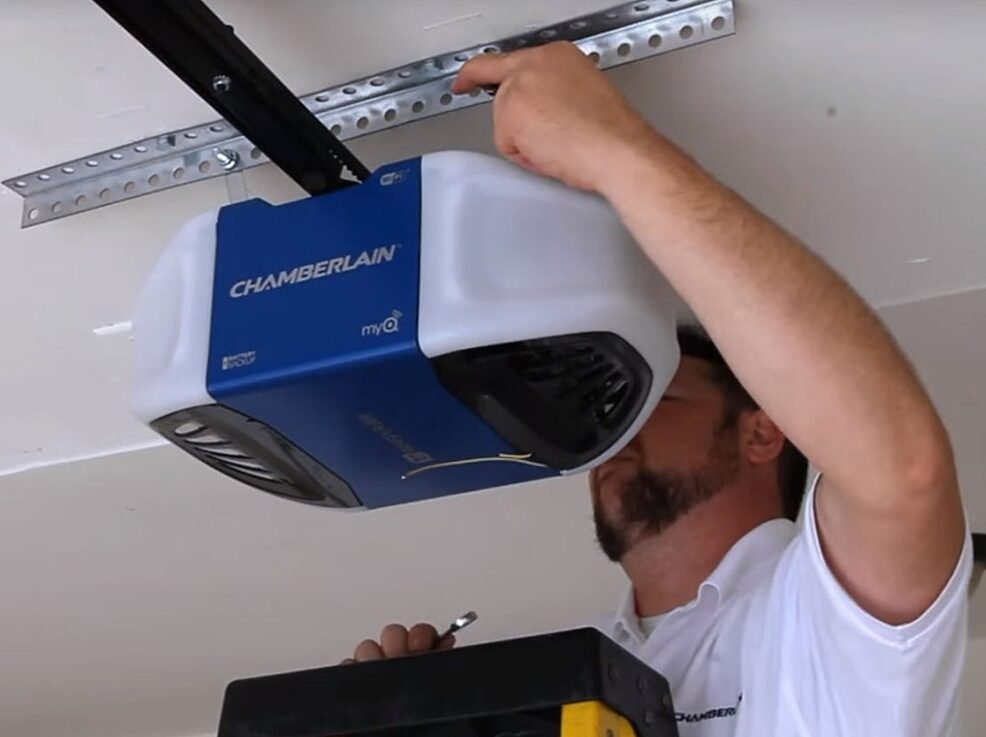
Garage Opener Repair: How to Test and Replace Batteries
When your garage door opener suddenly fails, the solution is often simpler and less expensive than you might think. Before you assume the worst and schedule a major garage door opener repair, it’s wise to check the batteries in your remote control and keypad. A dead or weak battery is one of the most common reasons for an unresponsive opener, yet it’s frequently overlooked. Learning how to properly test and replace these batteries can save you from unnecessary service calls and restore access to your garage in minutes.
The batteries in your garage door remotes and keypads are the unsung heroes of your daily routine, providing the power needed to operate your system conveniently. Over time, these batteries lose their charge, leading to a frustrating situation where your door won’t open or close on command. This guide from Local Garage Door Repair Company will walk you through the simple steps to diagnose battery issues and replace them correctly, ensuring your opener remains reliable and ready when you need it.
A Step-by-Step Guide to Testing and Replacing Opener Batteries
Dealing with opener batteries is a task any homeowner can handle with confidence. Whether it’s the remote you keep in your car or the keypad mounted outside your garage, the process is straightforward. Proactively managing these power sources prevents being locked out and ensures your system functions as intended.
How to Test Your Remote and Keypad Batteries
The first sign of a dying battery is often reduced range or intermittent performance. For example, you might find yourself having to press the button multiple times or get closer to the garage for the opener to respond. This is a clear signal that the battery is losing power.
To confirm a weak battery, you should start with a visual inspection. Many garage door remotes have a small LED indicator light that illuminates when you press a button. If this light appears dim, flickers, or doesn’t light up at all, then the battery is likely the problem. Similarly, for keypads, a dim or non-existent backlight when you press the keys serves as a similar indicator.
Another simple test is to use a spare remote, if you have one. If the spare remote works perfectly while the primary one does not, you’ve isolated the issue to the first remote’s battery. However, if neither remote works, the problem might lie with the opener’s main unit. Even so, it’s still worth replacing the remote batteries first, as this is the easiest and cheapest fix. For a more technical approach, you can use a multimeter or a simple battery tester to check the voltage. Most remotes use small coin-cell or A23 batteries that should register at or above their listed voltage (e.g., 3V or 12V). If the reading is significantly below this, it clearly indicates the battery needs replacement.
The Correct Way to Replace Batteries
Once you’ve determined a battery needs replacing, the next step is to open the device. For most remotes, you’ll usually find a small screw on the back or a slot along the seam where you can gently pry the case open with a flathead screwdriver or a coin. However, be careful not to apply too much force to avoid damaging the plastic casing.
Inside, you will see the battery. First, take note of its size and type (e.g., CR2032, A23), and also pay close attention to which side is facing up (the positive “+” side). It’s crucial to install the new battery in the same orientation. Additionally, you can usually find the battery type printed directly on the old battery. Therefore, purchase an exact replacement from a hardware or electronics store.
Next, gently remove the old battery and insert the new one, ensuring it’s secure and oriented correctly. Then, snap the remote casing back together or tighten the screw. After replacement, test the remote immediately to confirm it’s working. Ideally, the LED indicator should be bright, and the garage door should respond from a normal distance. Similarly, the process is straightforward for wireless keypads, which often have a battery compartment at the bottom that slides or flips open.
Finally, if you’ve replaced the batteries and still experience issues, the problem might be more complex, such as a faulty remote or an issue with the opener’s receiver. In these situations, professional assistance may ultimately be required. For expert diagnosis and service, you can rely on a trusted provider like Local Garage Door Repair Company to resolve any persistent opener problems.